
The official NYC special inspections list lives in two places: Chapter 17 of the NYC Building Code, which sets the legal requirement, and the DOB NOW Technical Reports PDF, which maps every TR code to a specific work type. Your first move on any filing is to pull that PDF, check which TRs auto-populate for your project type, and confirm whether you need a registered Special Inspection Agency (SIA) before construction starts. Bazini Engineering coordinates this verification step routinely for clients filing MEP/FP scopes across the city.
TL;DR:
- Confirm whether a registered Special Inspection Agency holds accreditation for all 2022-added categories before engaging them for inspection work.
- Cross-check conditional triggers against your actual design details to ensure all necessary TRs are automatically or manually included in DOB NOW filings.
- Schedule and verify inspections only when the relevant work is ready, and avoid requesting inspections prematurely to prevent wasted trips and delays.
- Always verify that your SIA's accreditation covers the specific scope of work required in the current code cycle to prevent rejection of inspection reports.
- Conduct TR verification early during design to mitigate schedule delays and costly change orders caused by overlooked requirements or misaligned inspection planning.
Table of Contents
- Mandatory vs Conditional Inspections and the DOB NOW TR Workflow
- SIA and Special Inspector Registration and Accreditation Rules
- Requesting and Tracking Inspections Through DOB NOW
- Common Special Inspection Categories and What Each One Verifies
- Timelines, Filing Triggers, and Where Projects Go Wrong
- Bazini Engineering's Practical Checklist for Confirming NYC Special Inspections
- What the Official Guidance Gets Right, and What It Leaves Out
- Get Direct Support Coordinating NYC Special Inspections
- Sources
Mandatory vs Conditional Inspections and the DOB NOW TR Workflow
Not every special inspection on a project gets added the same way, and understanding the difference between mandatory, conditional, and optional TRs saves you from either missing a required inspection or paying for one you never needed.
Mandatory inspections auto-populate on every filing that meets the basic project criteria. If your project includes structural concrete work, DOB NOW attaches the relevant TR automatically the moment you select that work type, no additional action required. Conditional inspections auto-populate only when specific filing selections trigger them. Select a particular structural system, a particular fuel-oil configuration, or a particular seismic category, and DOB NOW adds the corresponding TR to your application. Skip that selection, and the system assumes you don't need it, whether or not that assumption is correct. This is where filing errors happen most often: a design detail that should trigger a conditional TR gets entered incorrectly, and the inspection never appears on the application at all.
There's a third category worth knowing: TRs that neither auto-populate as mandatory nor conditional, but that a stakeholder can manually add if the scope of work calls for them. These require someone on the project team to actively recognize the need and add the report before filing, which means relying purely on DOB NOW's defaults is not a safe strategy for anything but the most standard project types.
Here's the practical sequence for verifying and managing TRs on a live filing:
- Pull the full TR list from your DOB NOW filing before submission. Compare it against the current Technical Reports PDF for your project type and code year.
- Cross-check every conditional trigger against your actual design. If your mechanical drawings include a designated seismic system or a fuel-oil piping run, confirm the corresponding TR shows up. If it doesn't, add it manually.
- Add or delete non-mandatory TRs directly in DOB NOW prior to approval. This is the cheapest and fastest window to correct an oversight, since it happens before the department locks the filing.
- If an inspection needs to be withdrawn after approval, file a post-approval amendment (PAA). Once a filing is approved, you can't simply delete a TR. A PAA is required to formally remove it, and that process takes longer and adds a review cycle you'd rather avoid.
- Document every TR change with a timestamp and the filer's name. This matters later if a plan examiner questions why a TR that appeared in an earlier version of the filing is missing from the current one.
Pro Tip: Run the TR verification pass at the schematic design stage, not at permit filing. Catching a missing conditional TR when the mechanical layout is still a draft costs you an email. Catching it after the SIA bid has gone out costs you a change order.
SIA and Special Inspector Registration and Accreditation Rules
Not just anyone with an engineering license can sign a special inspection report. The city sets specific accreditation and registration standards for the agencies and individuals who perform this work, and skipping this check is one of the fastest ways to have a report rejected after the fact.
Class 1 SIAs must hold accreditation to IAS or an equivalent accreditor, a requirement spelled out in 1 RCNY 101-06 and cross-referenced to ASTM E329 standards for testing and inspection agencies. This isn't a formality. IAS accreditation involves an independent review of the agency's quality systems, staff qualifications, and equipment calibration records. An SIA that lets its accreditation lapse cannot legally perform Class 1 special inspections, even if the individual inspectors on staff are fully qualified engineers.
A few registration details worth flagging for anyone assembling a project team:
- Inspector qualifications trace back to code appendices that spell out education, experience, and certification benchmarks for each inspection discipline, from concrete testing to structural steel welding.
- Registered design professionals can perform certain inspections directly in specific low-rise and limited-scope scenarios, including some R-3 occupancy exceptions, without going through a separate SIA. This exception matters for smaller residential projects where hiring a full third-party agency would be disproportionate to the scope.
- 2022 code additions require separate SIA registration. An agency accredited for pre-2022 categories is not automatically cleared for the newer inspection types. Confirm registration status specifically against the implementation notice before assuming an existing vendor relationship covers the current scope.
- Documentation the SIA must provide includes proof of current accreditation, a roster of qualified inspectors assigned to the project, and signed TR forms tied to each inspection performed.
Before you sign a contract with an SIA, ask directly whether their accreditation covers the specific 2022-added categories your project needs, and ask for documentation, not a verbal assurance. Agencies that handled your last three projects without issue can still have gaps in coverage for newer inspection types, since accreditation is granted category by category, not as a blanket credential.
Requesting and Tracking Inspections Through DOB NOW
Once you know which TRs apply and who's cleared to perform them, the remaining challenge is administrative: getting inspections scheduled and tracked without losing days to system errors or missing paperwork.
Every licensee, owner, and design professional involved in scheduling an inspection must register for a DOB NOW account and link it to the relevant PIN for the project. This step gets skipped more often than it should, particularly on projects where a new team member joins mid-construction and assumes the existing account access covers them. It doesn't. Each individual requesting inspections needs their own linked account.
Requesting an inspection through DOB NOW: Inspections follows a fairly standard sequence:
- Log in and select the specific application or work permit the inspection request relates to.
- Choose the inspection type from the standardized checklist DOB NOW presents, which corresponds to the TR categories already on your filing.
- Submit the request and receive a scheduling window, which varies depending on inspection type and current department workload.
- Use the electronic checklist during the inspection for applicable categories, since DOB NOW has moved several inspection types toward digital certification rather than paper sign-off.
- Track the inspection status directly in your account dashboard, including any objections raised by the inspector.
If your team runs into scheduling friction or has project-specific questions that the online system can't resolve, borough inspection units handle both development and enforcement inquiries and can address issues that a call center script won't cover. The department also maintains in-person kiosks and instructional videos for teams less familiar with the platform, which is worth using if you're onboarding new staff to DOB NOW rather than assuming they'll figure out the interface on their own.
One frequent source of delay: requesting an inspection before the corresponding work is actually ready. DOB NOW doesn't verify site readiness before confirming a scheduling slot, so a wasted inspection trip because the concrete pour got rescheduled costs you both the slot and, in some cases, a rescheduling fee. Confirm readiness internally before submitting the request, not after.
Common Special Inspection Categories and What Each One Verifies
Most projects touch a recurring set of special inspection categories, and knowing what each one actually verifies helps you plan bid scopes and avoid discovering a gap after the SIA is already on site.
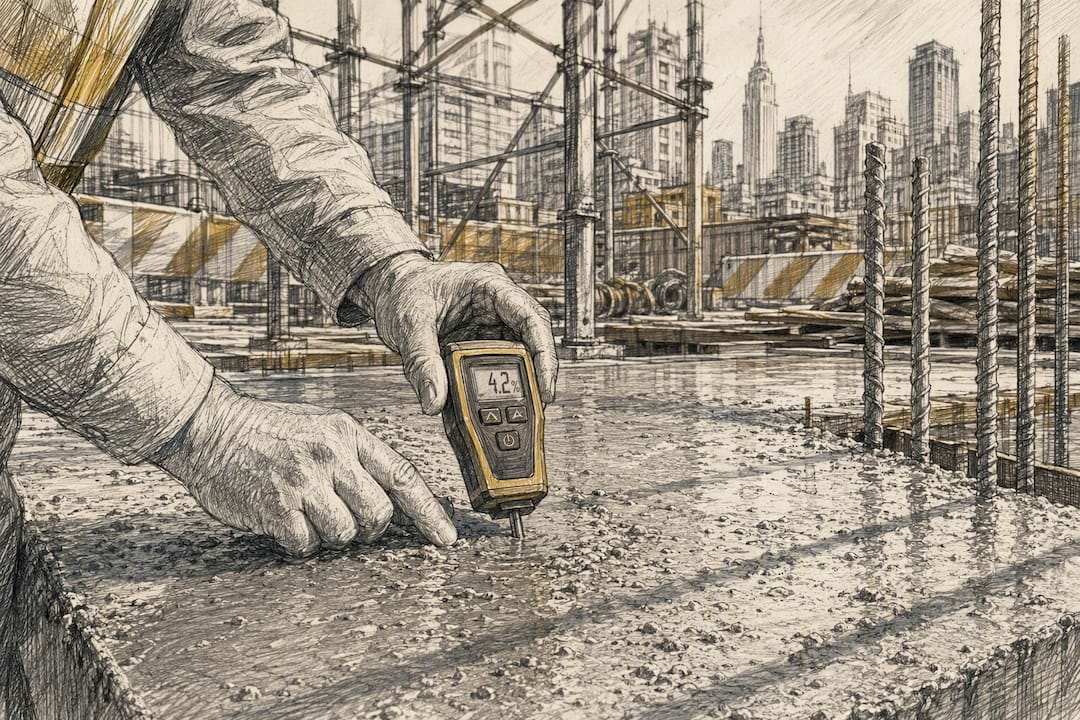
Concrete inspections cover sampling, testing, and placement verification for cast-in-place work, along with separate requirements for prestressed and precast elements. These map to TR2 and TR3 designations under Chapter 17, and they're among the most frequently performed special inspections on any structural project, since nearly every building includes some concrete scope.
Steel inspections split into several distinct disciplines: welding inspection, seismic-resistance verification for designated systems, and, as of the 2022 code cycle, open-web steel joist inspection, which wasn't a standalone category before. If your structural drawings show joist systems, check the current TR PDF rather than assuming your last project's scope still covers you.
Deep foundations and subsurface work fall under the TR5 family, covering pile installation, load testing, and related subsurface verification. This category tends to generate the most schedule pressure, since foundation work happens early and any inspection delay cascades through the rest of the construction sequence.
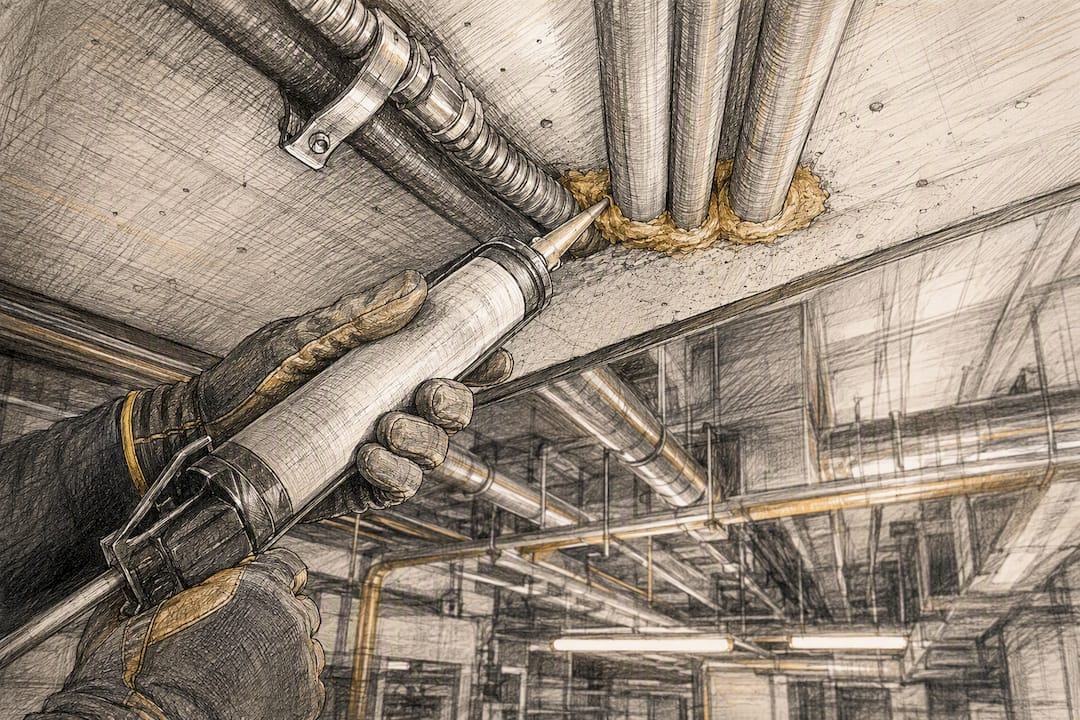
Fire-resistance rated construction inspections verify assemblies, firestopping at penetrations, and fire-rated joint systems, confirming that the rated separation actually performs as designed rather than just as drawn. This is one area where MEP coordination matters directly: every penetration a mechanical or electrical contractor cuts through a rated wall needs to be firestopped correctly and, in many cases, inspected before the wall gets closed up.
MEP-related items added or clarified in 2022 deserve specific attention because they're the newest and least familiar category to many project teams. These include fuel-oil piping inspections, emergency power system verification, and certain mechanical and plumbing welding tests that previously fell outside the formal special inspection framework. A project team used to pre-2022 scoping can easily miss these, since they didn't exist as distinct TR categories before.
A distinction worth making clearly: façade inspections under the Facade Inspection Safety Program (FISP), also known by its prior name Local Law 11, are not the same thing as Chapter 17 special inspections, even though they overlap in a few areas like exterior wall attachment hardware. FISP critical examinations run on their own cyclical schedule tied to building height and filing district, and they're filed through DOB NOW: Safety rather than through the standard special inspections workflow. Treat them as a separate compliance stream with its own deadlines, not as another line item on your Chapter 17 checklist.
Quick reference for the categories most projects encounter:
- Concrete: sampling, testing, cast-in-place and precast verification (TR2/TR3)
- Steel: welding, seismic systems, open-web joists (2022 addition)
- Deep foundations: pile installation and load testing (TR5 family)
- Fire-resistance: rated assemblies, firestopping, joint systems
- MEP: fuel-oil piping, emergency power, welding tests (largely 2022 additions)
- Façade/FISP: separate filing stream, overlaps only at exterior attachment points
Timelines, Filing Triggers, and Where Projects Go Wrong
Retaining an SIA needs to happen before construction reaches the phase requiring inspection, not after. Waiting until a concrete pour is scheduled to start looking for an accredited agency is a common and entirely avoidable delay, since accreditation verification and contract negotiation both take time.
Owners bear the ultimate responsibility for ensuring special inspection reports get filed, even when a general contractor or SIA is handling the day-to-day coordination. If a required TR is missing from a permit application, DOB will issue an objection rather than approve the filing, which stalls the entire permit, not just the affected work item. A missing TR discovered late in the review cycle can add weeks to an approval timeline that a five-minute check against the Technical Reports PDF would have caught.
The most common compliance mistakes worth watching for:
- Assuming an SIA's existing accreditation covers 2022-added inspection categories without confirming it directly
- Failing to select the design feature that triggers a conditional TR, so DOB NOW never adds it to the filing
- Treating FISP façade filings and Chapter 17 special inspections as interchangeable, missing deadlines on one because the other got attention
- Closing up firestopped penetrations before the inspection occurs, forcing costly demolition to reopen the assembly
Pro Tip: *Build your special inspection checklist into your permit expediting timeline at the same point you order long-lead equipment.
Bazini Engineering's Practical Checklist for Confirming NYC Special Inspections
Coordinating special inspections across MEP/FP scopes works best as a fixed sequence rather than an ad hoc scramble each time a new trade gets involved. The workflow Bazini Engineering applies on client projects runs like this: identify every TR that applies to the design, confirm each one's mandatory or conditional status directly in DOB NOW, verify the assigned SIA's accreditation covers the specific categories in scope, schedule inspections against the actual construction sequence rather than an assumed one, and collect signed reports as each inspection closes out.
For mechanical, electrical, plumbing, and fire protection trades specifically, coordination gaps tend to show up at the handoff points, where one trade's rough-in needs inspection before another trade can close up a wall or ceiling. Bazini Engineering works directly with contractors and SIAs to sequence these inspections so no trade waits on paperwork it didn't know was pending, and supports clients through DOB permit expediting when a filing needs TR corrections or a post-approval amendment.
What the Official Guidance Gets Right, and What It Leaves Out
The DOB's own documentation, particularly the Technical Reports PDF, is more useful than most project teams give it credit for. It's specific, it's updated to reflect code changes, and it draws a clear line between what auto-populates and what a stakeholder has to add manually. Where the conventional advice falls short is in treating that PDF as a one-time reference instead of a living document that needs rechecking every time a design detail changes.
The bigger gap is coordination, not information. Knowing a TR exists doesn't tell you when in the construction sequence to schedule it, or which trade's rough-in has to finish first. That's where projects lose weeks, not from a missing code citation but from a scheduling assumption nobody questioned. If there's one thing worth prioritizing above everything else in this article, it's building the TR verification pass into the design phase, before bids go out, rather than treating it as a filing-stage checklist. The cost of catching a gap early is an email. The cost of catching it late is a change order and a stalled permit.
— Joseph
Get Direct Support Coordinating NYC Special Inspections
Bazini Engineering gives you a licensed MEP/FP team that has already run this TR verification and SIA coordination process on real NYC filings, so you're not learning the DOB NOW workflow for the first time under a deadline. That means fewer missed conditional TRs, fewer objections from DOB, and inspection scheduling that actually matches your construction sequence instead of working against it.
Bazini Engineering's services cover the full range project teams typically need around special inspections: TR verification against your specific filing, coordination with your retained SIA on scheduling and documentation, and permit expediting support when a filing needs correction. For fire protection scopes, the fire suppression engineering team handles design and inspection liaison for sprinkler and alarm systems directly tied to fire-resistance TRs, and for plumbing-related welding and piping inspections, the plumbing engineering group supports both design and compliance documentation. A first engagement typically starts with a review of your current filing and TR list to flag gaps before they become DOB objections. Reach out through the services page to get that review started on your current project.